Quoting software for landscapers
The contractor space is not open yet. The screens on this page come from the demo version.
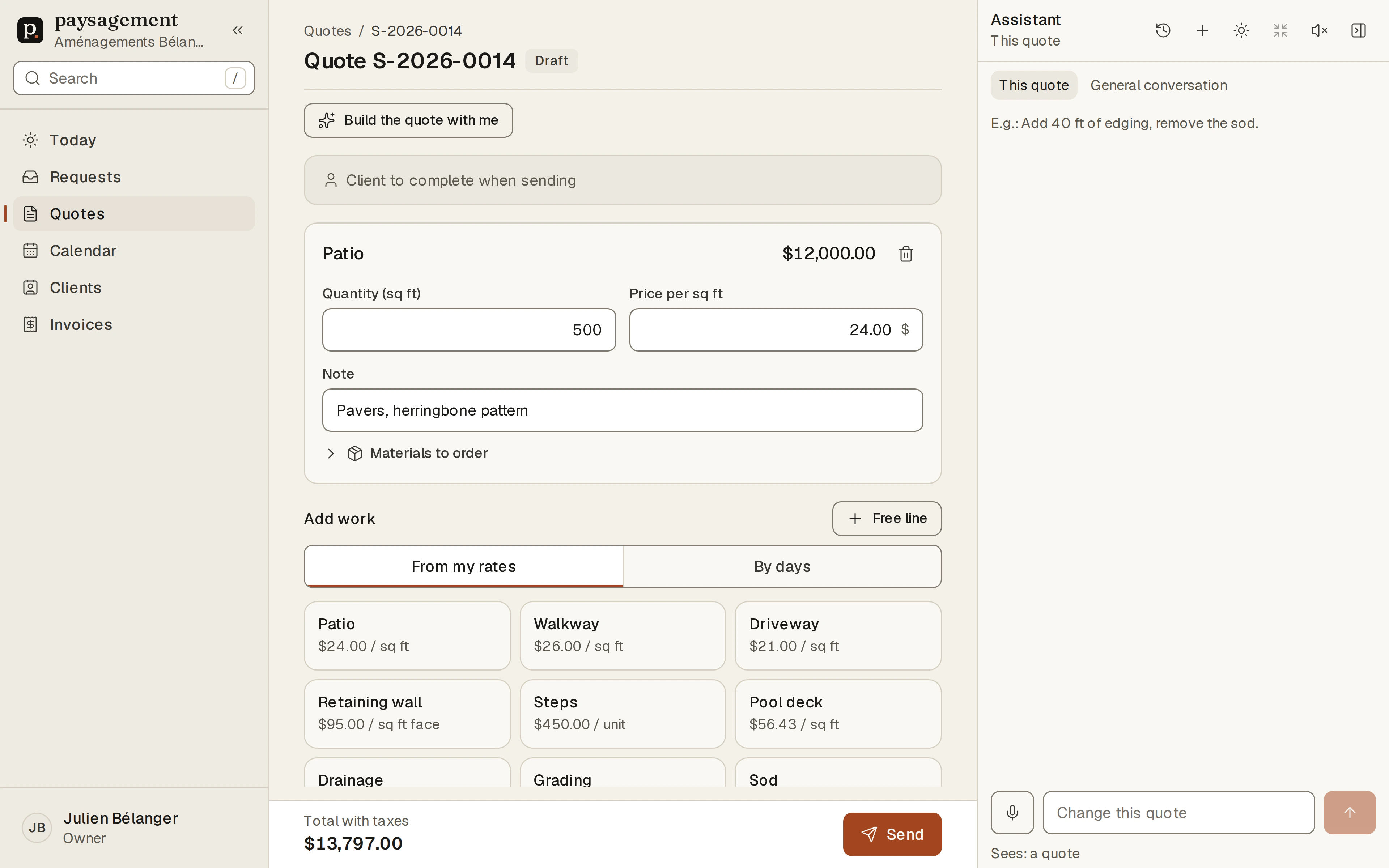
Say what the job needs, the quote fills itself in
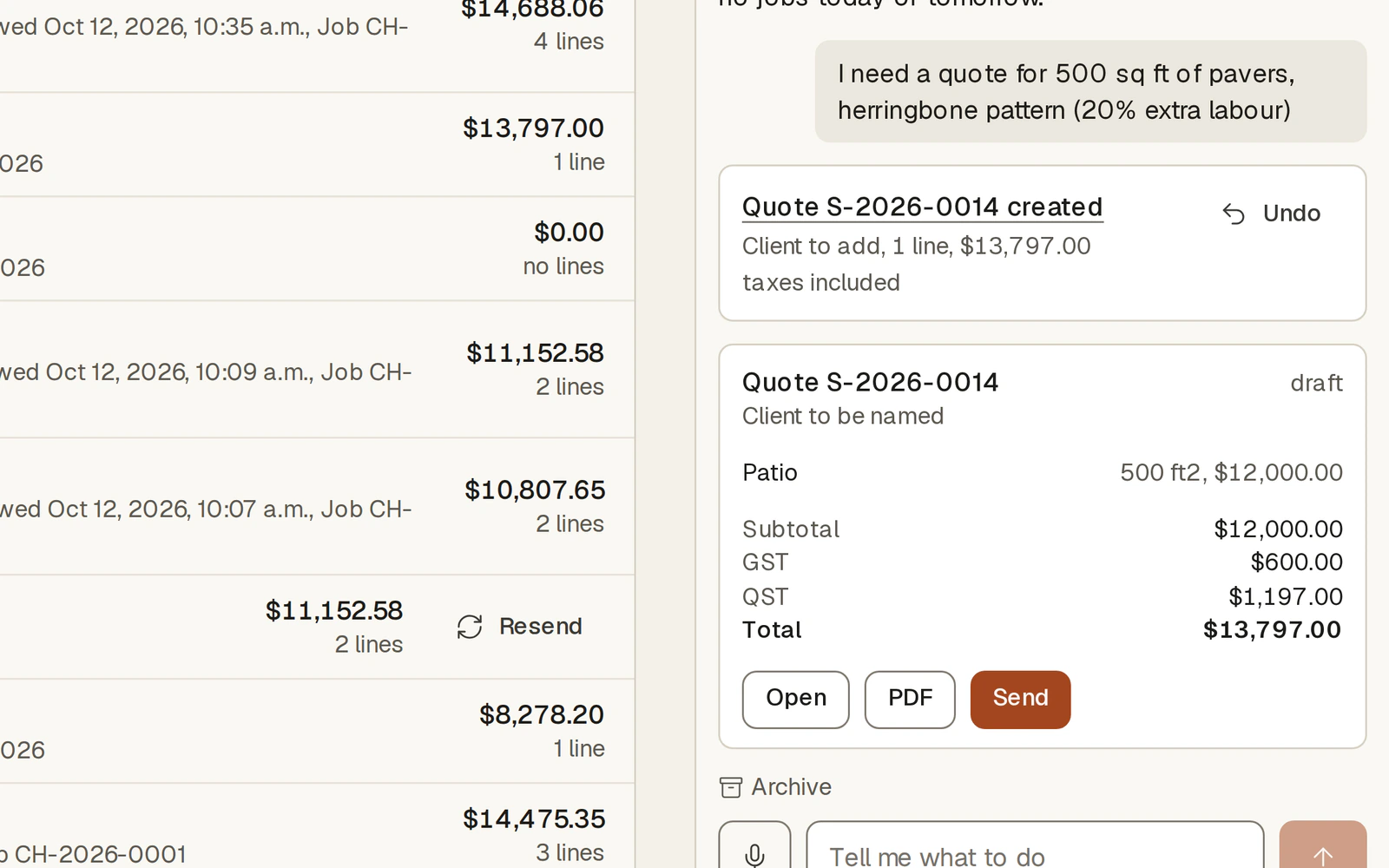
Type or dictate the client's request. The assistant creates the quote with your rates, works out the taxes and shows you the result before anything is sent.
- It asks a question only when an answer is missing
- Every change can be undone in one click
- Nothing goes to the client without your approval
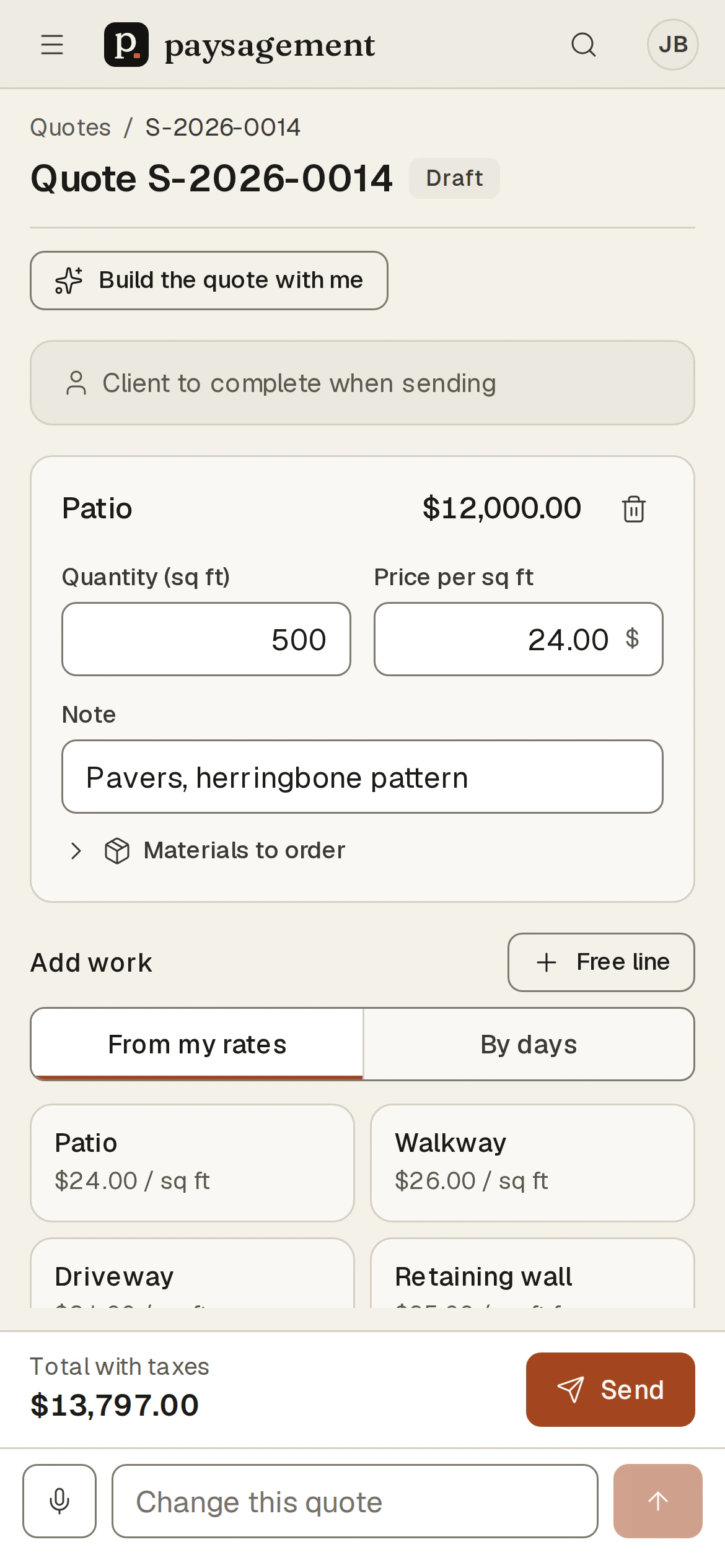
A quote in a few taps, even on your phone
Pick a job from your rates, enter the quantity, and the line is priced. The same screens fit a phone: the quote is ready before you are back in the truck.
- Lines per square foot, per linear foot, per unit or by days
- A line's price can be changed when a job calls for it
- List of materials to order for each line
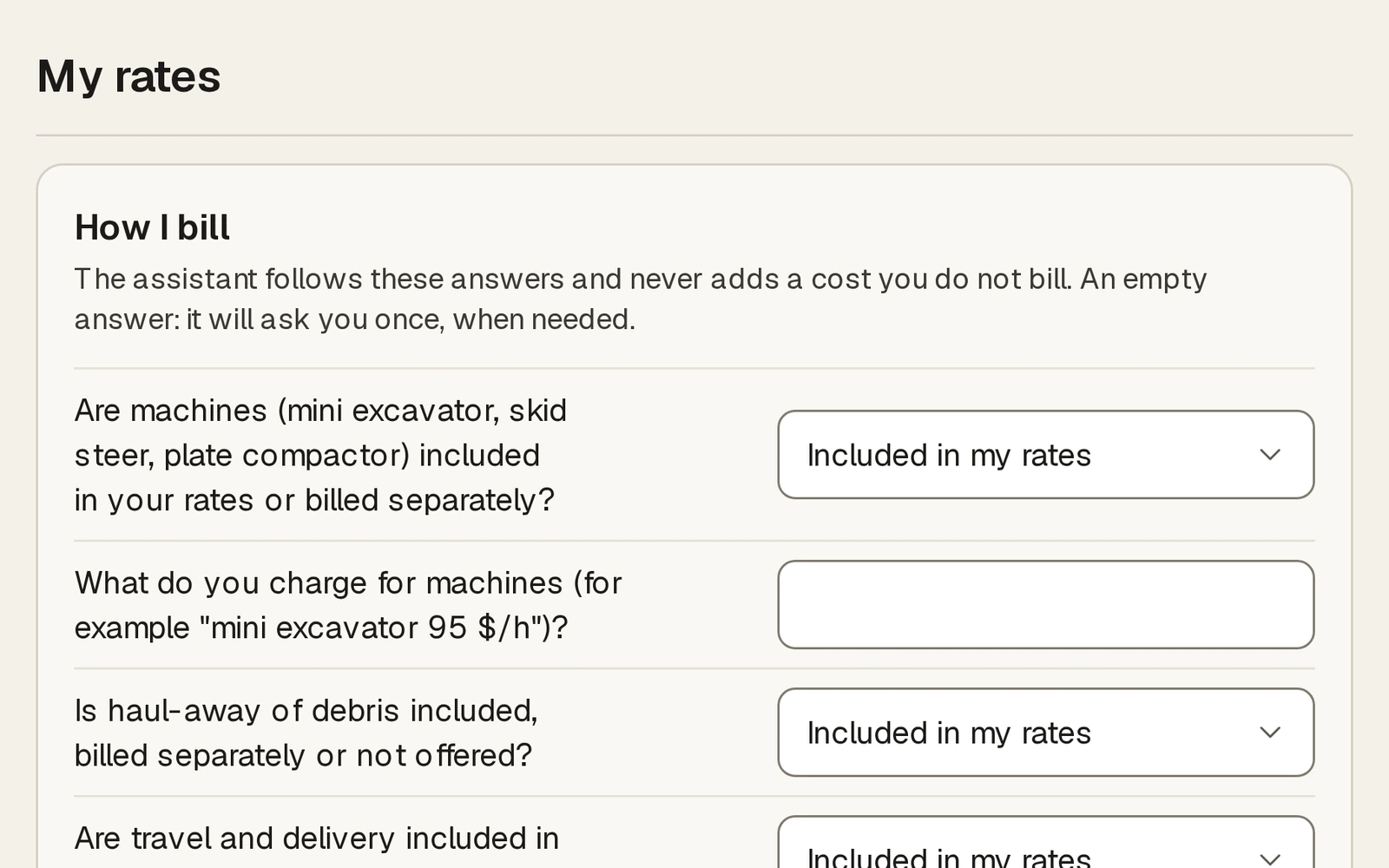
Your rates, your rules
Answer once how you bill: machines, waste removal, delivery, minimum per job. The assistant follows those answers and never adds a cost you do not bill.
- Your own hourly rate, billable hours and markups
- One price per job: patio, walkway, wall, sod, drainage
- Blank answers are asked once, only when needed
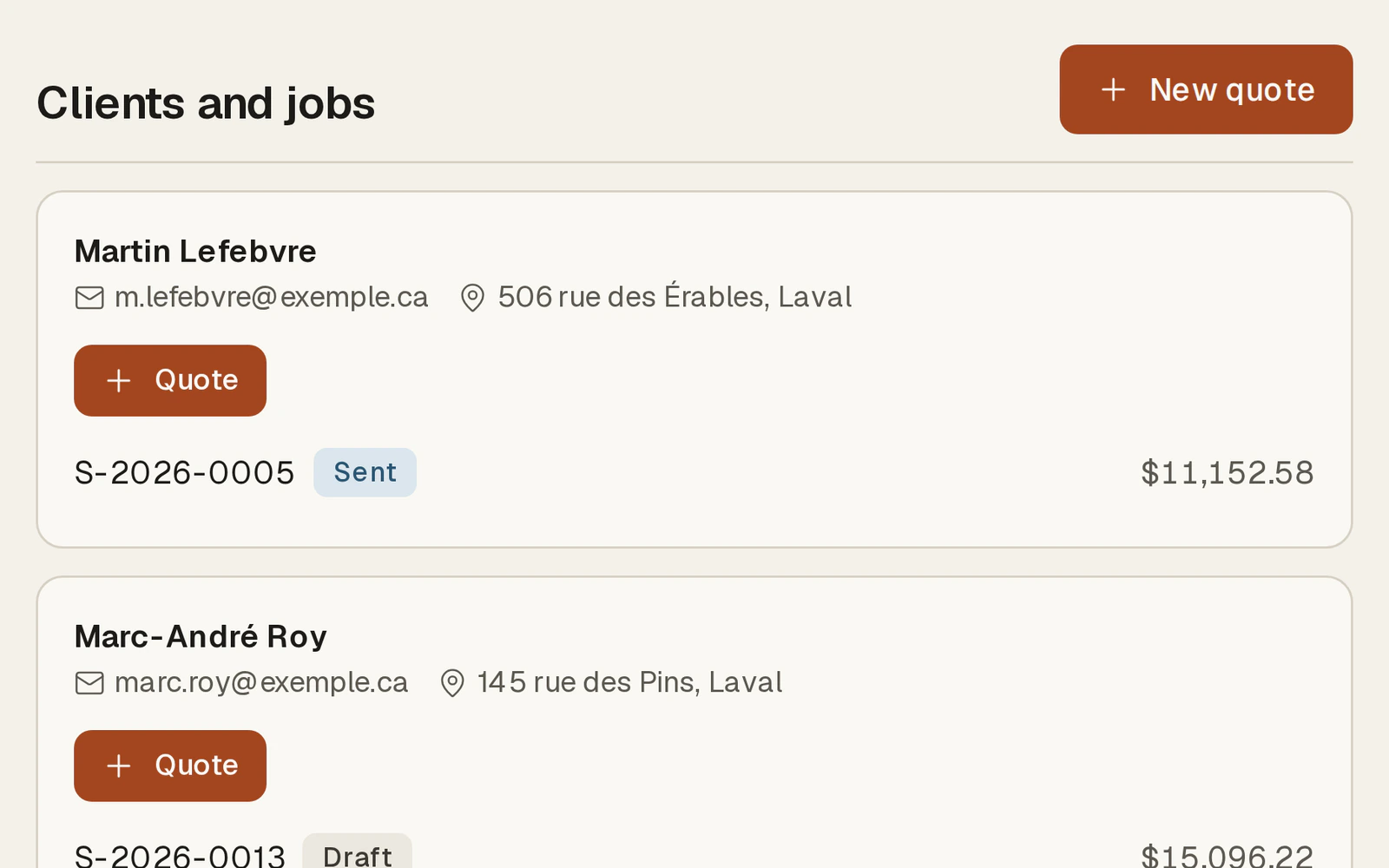
Clients and jobs in one place
Each client keeps their quotes, their jobs and the dates. An accepted quote becomes a job to schedule, which you move on the calendar.
- Requests received through paysagement.org land in the same list
- Quotes viewed and accepted online are flagged
- Follow up on a sent quote in one click
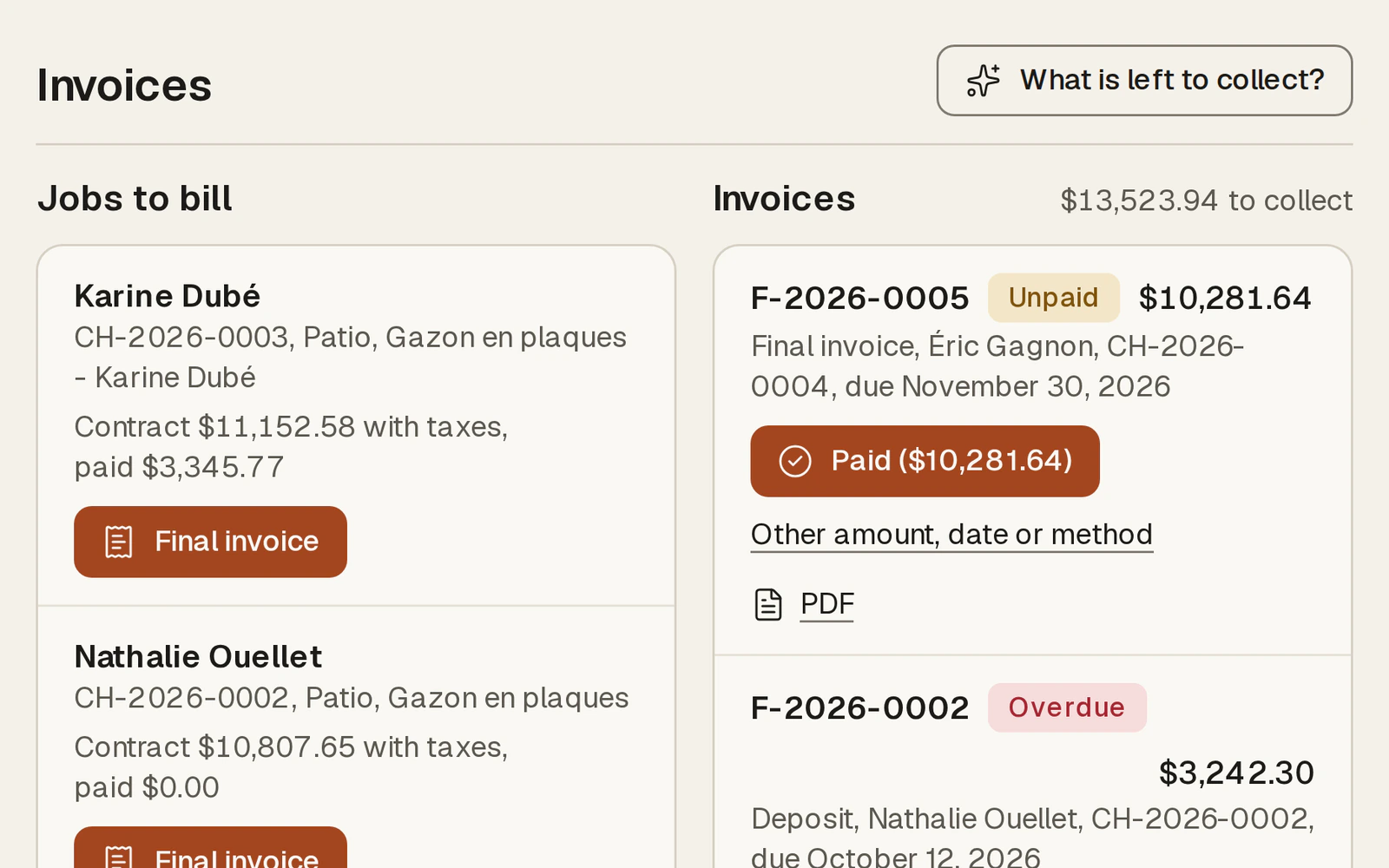
Deposits and invoices without retyping
The invoice reuses the accepted quote. Deposit, final invoice, payment received: you can always see what is still owed.
- GST and QST on two lines, with your tax numbers
- Overdue invoices flagged
- PDF ready to send
Not open yet
Coming soonThe contractor space is being prepared. Until then, the site's estimators and guides stay free for everyone.